Quickstart
-
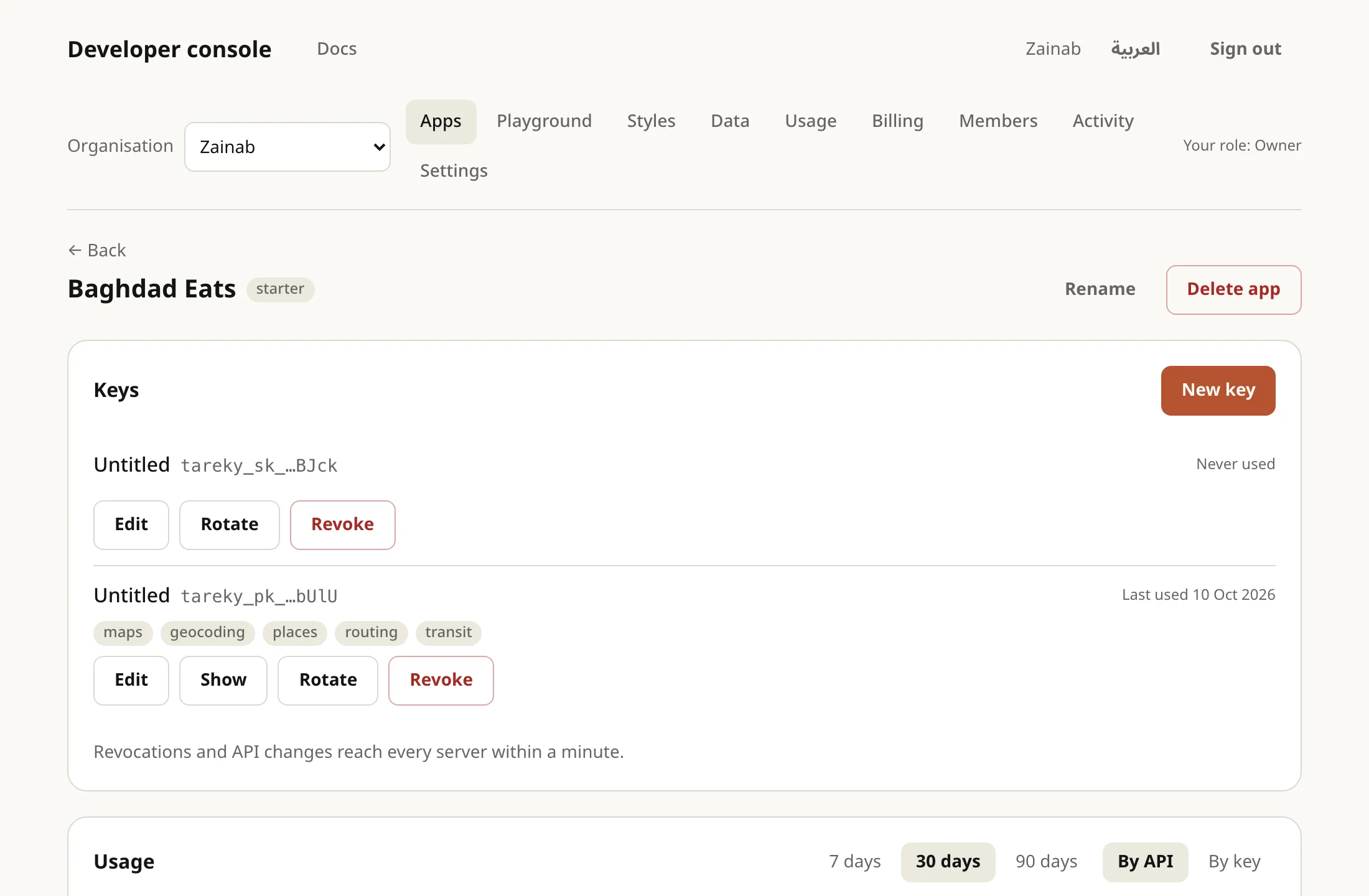
Get a key. Sign in to the developer console with Google and accept the terms. You get an organisation with a first app and a public key (
tareky_pk_…) that you can show again any time. -
Make your first request. Search for a place in Arabic:
Terminal window curl "https://api.tareky.com/v1/locations/geocode?q=%D8%A7%D9%84%D9%85%D9%86%D8%B5%D9%88%D8%B1" \-H "Authorization: Bearer tareky_pk_…"The answer is a list of results, each with its name in Arabic, English and Kurdish, and
lng/lat. -
Show a map. A map style is one URL, with your key in it:
import * as maplibregl from 'maplibre-gl'const map = new maplibregl.Map({container: 'map',style: 'https://api.tareky.com/v1/styles/light?lang=ar&access_token=tareky_pk_…',center: [44.3661, 33.3152],zoom: 11,})// Without this, these versions don't shape Arabic: بغداد renders as دادغب.maplibregl.setRTLTextPlugin('https://unpkg.com/@mapbox/mapbox-gl-rtl-text@0.3.0/dist/mapbox-gl-rtl-text.js', true)const map = new maplibregl.Map({container: 'map',style: 'https://api.tareky.com/v1/styles/light?lang=ar&access_token=tareky_pk_…',center: [44.3661, 33.3152],zoom: 11,})
- Restrict your public key to your site’s origins before you ship: Keys.
- Every error has a stable code to branch on: Errors and limits.
- On servers, use a secret key (
tareky_sk_…), which never appears in a page.