Your data (tilesets)
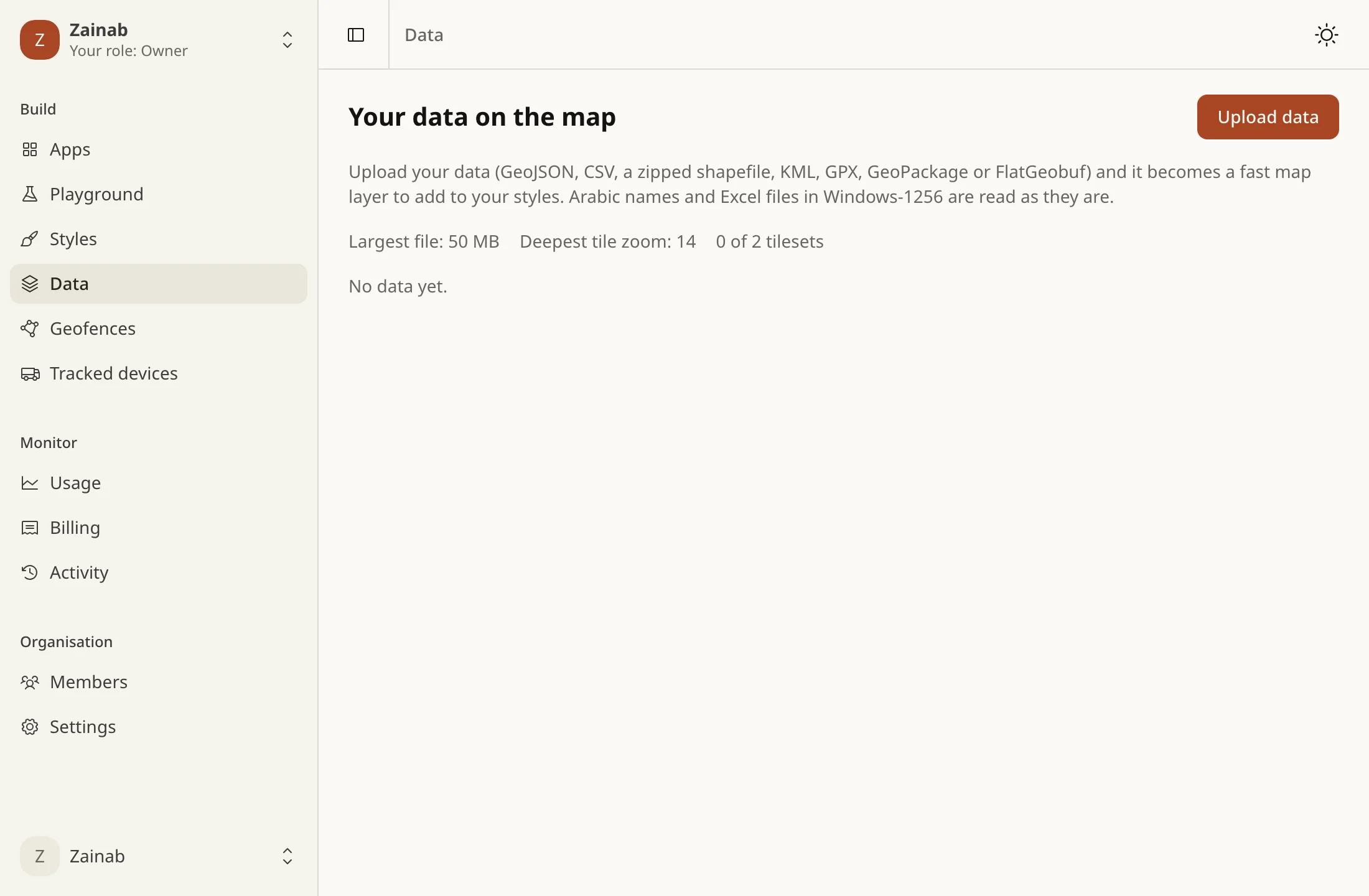
Upload a file in the console under Data and it becomes a tileset: tiles your styles draw like the basemap’s. A tileset is one of three kinds, fixed by its first build:
| Kind | kind |
Built from | Drawn as |
|---|---|---|---|
| Vector | vector (default) |
GeoJSON, CSV, Shapefile, KML, GPX, GeoPackage, FlatGeobuf | a vector source |
| Imagery | raster |
a GeoTIFF | a raster source |
| Elevation | raster-dem |
a one-band GeoTIFF | a raster-dem source: hillshade and 3D terrain |
A name keeps its kind: its styles and its earlier versions are of one. To change it, use another name (tileset_kind_changed).
What you can upload
Section titled “What you can upload”GeoJSON, CSV, a zipped shapefile, KML or KMZ, GPX, GeoPackage and FlatGeobuf for vector tilesets, and GeoTIFF for imagery and elevation, up to your plan’s size. The format is read from the file’s bytes, not its name.
- Arabic text in Windows-1256 (Excel’s Arabic CSV, older GIS tools) is read as it is; or pick the encoding yourself.
- CSV coordinates: columns named
lat/lng,latitude/longitude,خط العرض/خط الطولand similar are found by themselves. A single column of33.31, 44.36(copied from Google Maps) works too. Otherwise, name the columns. - Latitude first: data that lands in Iraq once x and y are swapped is turned the right way, and the build says so.
- Coordinates in metres need their
.prj; without one the build stops and suggests UTM zone 38N (EPSG:32638). - A zip holds one shapefile, or several (up to 20, each its own layer, named by its file), or a KML.
A build reports what it did (warnings) or why it couldn’t (an error you can read in Arabic or English), and keeps the tools’ log. The codes are below.
How a vector tileset is built
Section titled “How a vector tileset is built”The recipe takes tippecanoe’s choices, with the names Mapbox’s tileset recipes use:
layer |
the source-layer your style draws (default data) |
minzoom, maxzoom |
0 to 16. auto picks the deepest zoom from how dense the data is (never coarser than 12), within your plan |
drop |
when a tile is crowded: densest thins out the densest features, coalesce merges them, cluster clusters points |
simplification |
1 to 20, in tile units |
include / exclude |
the attributes to keep or to leave out, not both |
A new recipe rebuilds from the data you already uploaded. Each build is a version; the last three are kept, and you can roll back to any of them.
Several layers in one tileset
Section titled “Several layers in one tileset”Without layers, a file with several layers (a GeoPackage’s tables, a KML’s folders, a zip’s shapefiles) builds only its largest, and says so. With layers, each named layer has its own source, zooms and options:
{ "minzoom": 0, "maxzoom": "auto", "drop": "densest", "layers": [ { "name": "roads", "source": { "layer": "roads" }, "minzoom": 6 }, { "name": "shops", "source": { "file": "shops.shp" }, "include": ["name", "type"] } ]}nameis the layer’ssource-layerin your style: lower-case letters, digits and_, up to 32, and unique in the tileset. Up to 20 layers.source.layeris the layer’s name in the upload (a table, a folder);source.fileis a file of a zip (shops.shp, which means its name without the extension). With neither, the source layer is the one calledname. A name the upload does not have is refused and lists the ones it has (source_layer_missing).- A layer’s
minzoom,maxzoom,drop,simplification,includeandexcludereplace the recipe’s own, which they inherit when left out. - Layers are for vector tilesets only (
recipe_layers_vector_only).
Imagery and elevation
Section titled “Imagery and elevation”A GeoTIFF needs a coordinate system; it is reprojected to Web Mercator and cut into tiles.
| Recipe field | raster (imagery) |
raster-dem (elevation) |
|---|---|---|
| Bands | 1, 3 or 4 bands of bytes; no palette | exactly one band of numbers: elevations |
tileSize |
256 (default) or 512 | 512 (default) or 256 |
format |
png (default), webp or jpeg; jpeg has no transparency |
always png: a lossy format would change the heights (dem_format_png_only) |
quality |
1 to 100 (default 80), for webp and jpeg |
|
resampling |
nearest, bilinear (default), cubic or average |
|
quantize |
round heights to a multiple of this many metres, 0 to 10 (default 0.25; 0 keeps the full 1/256 m) | |
minzoom, maxzoom |
0 to 16; auto is the zoom where the raster’s own pixels belong |
the same, never deeper than 14 |
- An elevation tileset is encoded as Terrarium (
elevation = R × 256 + G + B ÷ 256 − 32768metres), the encoding its TileJSON declares. Elevations outside −11,000 to 9,000 m are refused as a wrong unit or a wrong file (dem_implausible_elevations). - The deepest zoom is never past your plan’s, the recipe’s, or one that would make more than 2,000,000 tiles: past that the build draws coarser pixels instead of failing.
- A raster build refuses an upload of more than 400 million pixels, produces at most 1 GB, and stops after 30 minutes.
curl -s -X POST https://api.tareky.com/v1/tilesets/relief/builds \ -H "Authorization: Bearer $TAREKY_SECRET_KEY" -H 'Content-Type: application/json' \ -d '{"kind": "raster-dem", "uploadKey": "…", "recipe": {"quantize": 1}}'Use it in a style
Section titled “Use it in a style”In an imported style, the source is the tileset’s name, as the kind of source the tileset is:
"sources": { "shops": { "type": "vector", "url": "tareky://tilesets/acme.shops" }, "relief": { "type": "raster-dem", "url": "tareky://tilesets/acme.relief" }},"layers": [{ "id": "shops", "type": "circle", "source": "shops", "source-layer": "data" }]acme is your organisation’s handle. A style can draw its own organisation’s tilesets only, once built, and a source of the wrong type for its tileset is refused. Maps always get the live version, and a tileset a published style draws can’t be deleted (tileset_in_use). More in custom styles.
TileJSON
Section titled “TileJSON”GET /v1/tilesets/{handle}.{name}.json?access_token=tareky_pk_…returns TileJSON 3.0 for Leaflet, OpenLayers or a MapLibre source, for your organisation’s keys. It counts as one map load. The tiles themselves need no key: a tileset is unlisted, not secret.
A vector tileset adds vector_layers, each layer’s id, fields and zooms, and tilestats, what is in it:
{ "tilestats": { "layerCount": 1, "layers": [{ "id": "shops", "count": 1840, "geometry": "Point", "fields": [ { "name": "type", "type": "string", "count": 1840, "values": ["pharmacy", "grocery", "cafe"] }, { "name": "rating", "type": "number", "count": 1710, "min": 1, "max": 5 } ] }] }}countis the features as they went in, not tile fragments;geometryis the layer’s geometry type.- A field’s
typeisstring,number,booleanormixed, withcountthe features that have it,minandmaxfor numbers, and the first 20 distinctvalues.valuesTruncated: truesays there are more. - Use it to write a style: which
source-layer, which fields, what range amatchor a colour ramp should cover.
An imagery or elevation tileset adds tileSize and format, and an elevation one encoding: "terrarium", which a raster-dem source needs.
Join a CSV
Section titled “Join a CSV”A CSV can add columns to a vector tileset’s features, and the tileset is built again as a new version: population to districts, prices to shops. This is the console API:
POST /console/orgs/{orgId}/tilesets/{tilesetId}/join{ "csvUploadId": "uploads/…", "tilesetKey": "district_id", "csvKey": "id", "layer": "districts" }Upload the CSV like any file (POST /console/orgs/{orgId}/tilesets/uploads, then PUT it), and say which feature property (tilesetKey) matches which CSV column (csvKey). layer is needed when the tileset has several.
- A left join. Every feature stays. Those whose
tilesetKeyequals a row’scsvKeyget that row’s other columns as properties; the rest are unchanged. - How keys are compared: text is trimmed and normalised; a number matches its plain text, so
7and7.0are one key, while007is text and stays as it is. - Columns: a column whose filled cells are all numbers is added as numbers, text otherwise. Empty cells add nothing. A column a feature already has keeps the feature’s value.
- Duplicates: if several rows share a key, the first wins.
- The CSV may be UTF-8 or Windows-1256, comma, semicolon or tab separated, up to 1,000,000 rows and 100 columns. A single layer’s tileset and a multi-layer one both work; vector tilesets only (
join_vector_only). - The joined data becomes the tileset’s kept source, so later recipes keep the columns.
The build says what it did (warnings: join_unmatched with the count of features that found no row, join_duplicate_keys, join_columns_skipped) or why it couldn’t (errors: join_no_matches, join_field_missing, join_column_missing, join_layer_empty).
Refresh from CI
Section titled “Refresh from CI”A secret key (tareky_sk_) with the tilesets scope rebuilds your organisation’s tilesets without the console: ask for an upload URL, PUT the file there, then start the build. A build takes the same kind, recipe and options as the console. These calls are rate-limited and never billed.
SLOT=$(curl -s -X POST https://api.tareky.com/v1/tilesets/shops/uploads \ -H "Authorization: Bearer $TAREKY_SECRET_KEY" -H 'Content-Type: application/json' \ -d "{\"filename\": \"shops.csv\", \"bytes\": $(wc -c < shops.csv)}")curl -s -X PUT --upload-file shops.csv "$(echo "$SLOT" | jq -r .url)"BUILD=$(curl -s -X POST https://api.tareky.com/v1/tilesets/shops/builds \ -H "Authorization: Bearer $TAREKY_SECRET_KEY" -H 'Content-Type: application/json' \ -d "{\"uploadKey\": $(echo "$SLOT" | jq .key)}")curl -s https://api.tareky.com/v1/tilesets/shops/builds/$(echo "$BUILD" | jq -r .job.id) \ -H "Authorization: Bearer $TAREKY_SECRET_KEY"The build is QUEUED, RUNNING (with its stage), then SUCCEEDED or FAILED (with a code). A webhook can tell you instead: tileset.publish.completed or tileset.publish.failed.
What’s near a point
Section titled “What’s near a point”GET /v1/tilequery/{lng},{lat}?tilesets={handle}.{name} also returns your vector tilesets’ features within the radius (up to 1 km; up to 5 tilesets), nearest first. A raster or elevation tileset has no features to query and is refused.
Limits
Section titled “Limits”Your plan sets:
| Free plan | |
|---|---|
| Tilesets | 2 |
| Largest upload | 50 MB |
| Deepest zoom | 14 |
An organisation gets the best of its apps’ plans, and never less than the free plan’s. Over a limit the upload is refused: tileset_limit, upload_too_large. The raster limits are above.
Build results
Section titled “Build results”A failed build’s errorCode and a finished build’s warnings are one of these. The console words them in Arabic and English.
Errors (the build is FAILED):
| Code | Why |
|---|---|
unknown_format |
the file is not one of the formats above |
unreadable |
the file could not be read |
no_features |
the file has no features |
bad_zip, zip_too_many_files, zip_too_large, zip_many_shapefiles, zip_duplicate_names, zip_no_data |
the zip is damaged, holds more than 200 files or unpacks to more than 1 GB, holds more than 20 shapefiles or two of one name, or has no shapefile or KML |
shapefile_incomplete |
a .shp without its .dbf or .shx |
projected_without_crs |
coordinates in metres and no .prj |
csv_no_coordinates |
no coordinate columns found: name them |
csv_unreadable, csv_too_many_rows, csv_too_many_columns |
a CSV that cannot be read, or is over 1,000,000 rows or 100 columns (a join) |
format_kind_mismatch |
a GeoTIFF built as vector, or something else built as a raster |
source_layer_missing |
the recipe names a layer the upload does not have |
raster_no_crs |
the GeoTIFF has no coordinate system |
raster_too_large |
more than 400 million pixels |
raster_unsupported_type |
imagery that is not bytes, or an elevation file that is a colour image |
raster_palette |
imagery with a colour palette: convert it to RGB |
raster_too_many_tiles |
more than 2,000,000 tiles at the zoom asked |
raster_format_unavailable |
webp is not available on the builder: use png or jpeg |
dem_not_single_band |
an elevation GeoTIFF with more than one band |
dem_implausible_elevations |
elevations outside −11,000 to 9,000 m |
output_too_large |
the result is over 1 GB |
too_slow |
the build took more than 30 minutes |
upload_changed, upload_too_large |
the file changed after it was measured, or is over your plan’s size |
no_source |
nothing kept to rebuild or join from yet |
join_no_matches, join_field_missing, join_column_missing, join_layer_empty |
the join found no matching row, the feature property or CSV column does not exist, or the layer has no features |
Warnings (the build still succeeds):
| Code | What happened |
|---|---|
transcoded |
the text was read as Windows-1256 |
coordinates_from_column |
points were built from a single lat, lng column |
coordinates_swapped |
latitude came before longitude, and was turned the right way |
other_layers_ignored |
the file has several layers and only the largest was used |
layers_truncated |
more than 20 layers: the first 20 were kept |
layer_without_geometry |
a layer without geometry was left out |
join_unmatched |
some features found no row in the CSV |
join_duplicate_keys |
several CSV rows had one key; the first was used |
join_columns_skipped |
CSV columns the features already had were not added |